

Mobile vs. Desktop Casino: Pros and Cons: The GoldSpinia Breakdown
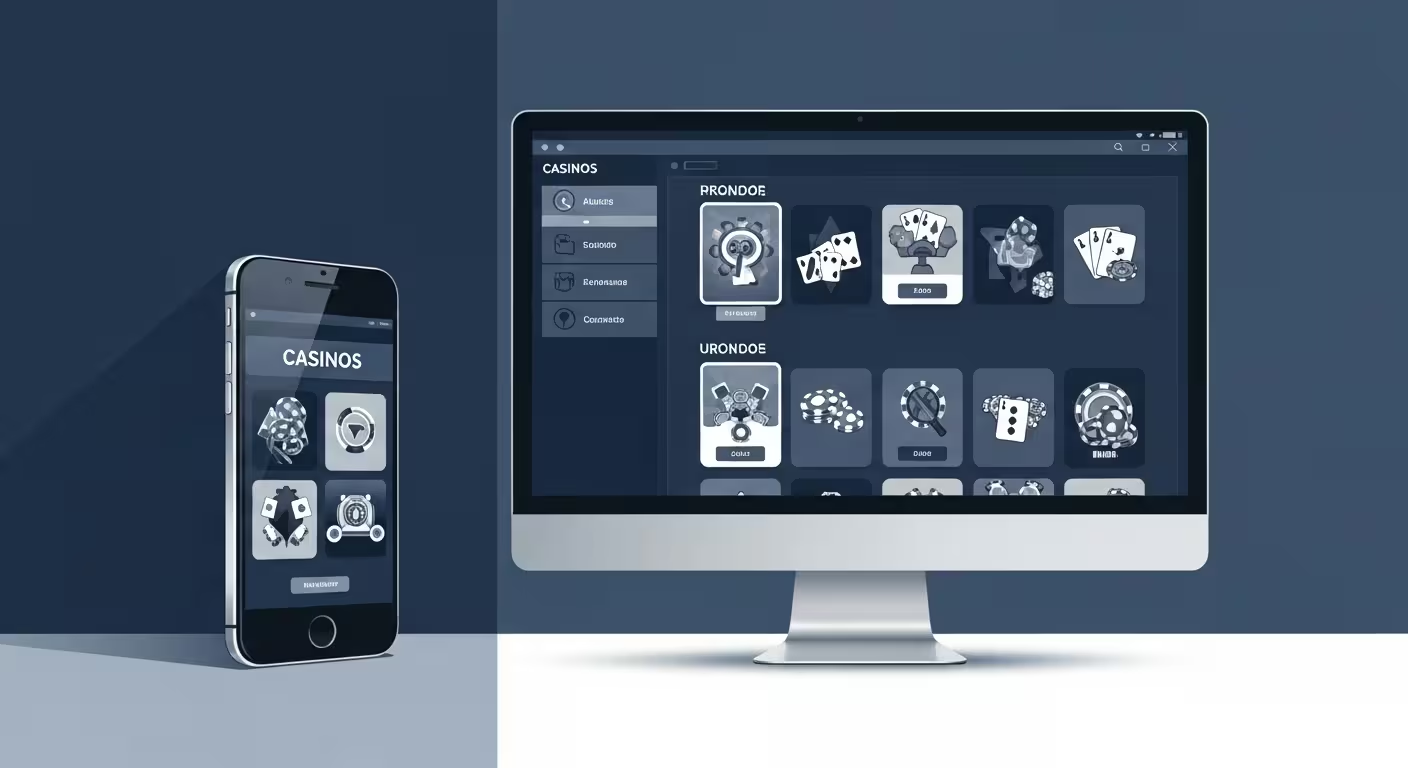
GoldSpinia earns high marks for cross-platform flexibility, but the choice between mobile and desktop still carries real consequences for session quality. Picture logging into GoldSpinia from a smartphone on your lunch break — quick, private, no extra hardware. Now picture the same account on a wide desktop monitor in the evening, the game library scrollable in full, a live dealer table filling the viewport with zero compression. Both setups share the same account, the same bonuses, the same odds. The difference lies in how each environment shapes your habits — and responsible play begins with knowing which environment suits you best.
| Pros | Cons |
|---|---|
| Mobile: accessible anywhere, any time | Mobile: smaller screen for live dealer tables |
| Mobile: one-tap session closure for discipline | Mobile: data-hungry live streams on 4G |
| Desktop: larger viewport for complex table games | Desktop: requires dedicated hardware and setup time |
| Desktop: budget dashboard always in full view | Desktop: less portable for short, casual sessions |
Examples and Real-World Scenarios
Consider two regular players at GoldSpinia. The first works split shifts and keeps her phone on hand throughout the day. She logs in for ten-to-fifteen-minute sessions between tasks, favouring slots and quick-play scratch cards. The mobile interface suits her because she can open a game, set a deposit limit from the account menu in two taps, and close the app the moment something demands her attention. No boot time, no hardware overhead. For her, mobile is not a compromise — it is the primary experience, and it fits her life without adjustment.
The second player is a live dealer enthusiast who sets up at a desktop every Friday evening. He values the larger viewport because live blackjack tables are genuinely easier to read on a 24-inch monitor: side bets are visible without scrolling, the dealer’s hands are sharp at full resolution, and the chat window does not obscure the main action. He sets a session timer in his browser before starting, which keeps his responsible play routine visible throughout the evening. Desktop’s deliberate setup — finding a chair, opening a browser, navigating to GoldSpinia — functions as a natural gate that separates intentional play from impulse.
These two scenarios highlight a structural difference that has nothing to do with game catalogues or payout percentages. Mobile removes friction; desktop adds it. Removing friction is excellent for players with strong self-regulation and a genuine problem for those who spend more time than they intended. Adding friction is mildly inconvenient for disciplined players but protective for everyone else. GoldSpinia’s mobile app includes the same account controls as the desktop site — session limits, deposit caps, self-exclusion — but the desktop version makes those controls harder to overlook because the interface is simply larger. Rating: 8/10 for cross-device control parity.
A practical third scenario: the commuter who relies on cellular data outdoors. Live dealer streams at 720p can consume 300–400 MB per hour, which drains a modest data plan quickly. Slots and standard table games are far lighter and run without buffering on 4G. Desktop players on fixed broadband never face this trade-off. For live dealer sessions specifically, the desktop environment holds a meaningful technical edge that goes beyond screen size — it is about consistent throughput over a wired or strong Wi-Fi connection.
The Basics
At their core, both platforms deliver the same GoldSpinia game library — slots, table games, live dealer titles, and any active promotions. The fundamental difference is the viewport and the input method. Mobile uses a touchscreen optimised for portrait or landscape orientation; desktop uses a keyboard and mouse on a screen that typically ranges from 13 to 34 inches. Game developers have adapted well to both: most modern slots are built in HTML5, which scales cleanly to any screen size. Live dealer tables were designed for both from the ground up, though their interfaces are noticeably more information-dense on larger screens where every stat remains visible simultaneously.
Performance depends on the device as much as the platform category. A flagship smartphone from the past two years will outperform a five-year-old laptop on GPU-intensive games. A desktop with a dedicated graphics card and wired Ethernet will outperform any phone on sustained live dealer sessions. For the majority of GoldSpinia’s catalogue — video slots, classic table games, video poker — the performance gap is negligible. Any modern device handles the load without frame drops, and neither platform has a hard advantage in raw game performance for standard titles.
Security posture differs in one practical way. Desktop sessions on a private, password-protected home network are marginally harder to intercept than mobile sessions on public hotspots. GoldSpinia enforces TLS on all connections regardless of platform, which covers the most common network-level risk. The practical security difference between the two platforms is small for players who avoid public networks. Mobile adds one genuine security convenience: biometric authentication (Face ID, fingerprint) for logins and payment approvals is faster and arguably more secure than typing a password at a keyboard. Rating: 9/10 for security baseline on both platforms.
Deposit and withdrawal workflows are nearly identical. Mobile wallets and payment apps integrate more naturally on phones — approving a transaction with a fingerprint takes seconds. On desktop, saved browser autofill serves a similar purpose with one or two extra keystrokes. Compared to the industry average of fragmented mobile-only wallet support, GoldSpinia supports the same payment methods across both environments, which simplifies account management for players who regularly switch devices mid-week.
Wrapping Up
The verdict is not mobile versus desktop — it is mobile and desktop, used purposefully. GoldSpinia’s cross-device account means a session started on your phone can continue on a laptop without losing progress, balances, or bonus tracking. The practical recommendation is to let the session type guide the platform: quick spins and casual check-ins suit mobile; extended live dealer sessions and monthly budget reviews suit desktop.
Responsible play is easier to sustain when the environment reinforces it. Desktop’s larger interface makes limit-setting harder to skip; mobile’s instant closure makes stopping easier mid-session. Neither advantage cancels the other. Players who use both deliberately get the benefit of both. The habit worth building is checking the account dashboard before each session regardless of which screen is in front of you. At GoldSpinia, that dashboard is equally accessible on both platforms, which removes any excuse for skipping the step.
One concrete recommendation: if mobile sessions tend to run longer than planned, move those session types to desktop where the deliberate setup acts as a natural pause for decision-making. If desktop sessions feel like a formal commitment that leads to skipping play entirely, mobile’s low-barrier access keeps the habit light and manageable without becoming careless. The platform is a tool, not a destination, and GoldSpinia is designed to work well in either hand.
For new players, the simplest starting sequence is desktop first — account setup, limit configuration, and a first session where every control is fully visible — then mobile as a convenient complement once the controls are familiar. That sequence gives responsible play the strongest foundation from day one. GoldSpinia makes both paths available and functional; the player chooses the sequence that matches their habits and then sticks to it.